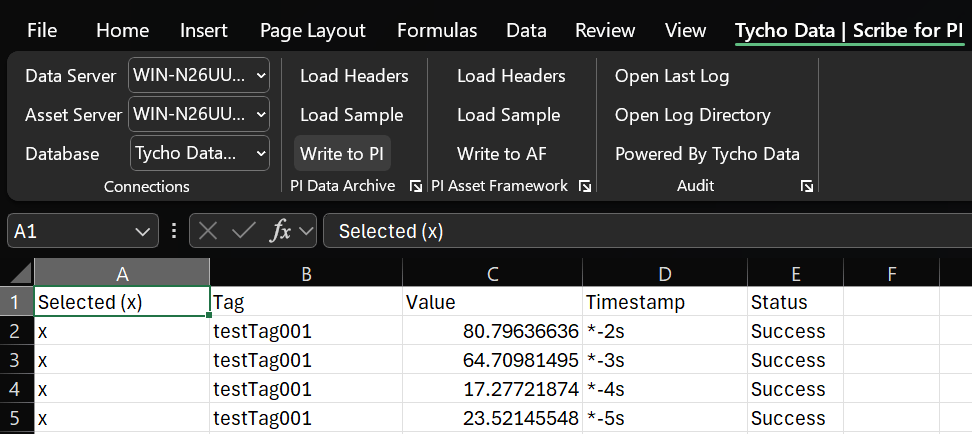
In industrial operations, the PI System plays a critical role in collecting, storing, and analyzing time-series data. While most of this data flows automatically from sensors, controllers, and applications, there are still situations where manual data entry is necessary. Lab results, field readings, equipment overrides, and corrections often require human input and if not handled properly, these manual entries can become weak points in an otherwise reliable system.
In this post, we’ll explore why governance matters for manual data entry and how to do it right, especially when using tools like our Excel Plugin.
Why Governance Matters in Manual Data Entry
Manual data entry might seem harmless, but without clear standards and oversight, it can introduce significant risks:
- Operational Mistakes: Incorrect or outdated data can lead to poor decision-making or operational issues.
- Compliance Gaps: Missing or poorly documented entries can create audit vulnerabilities.
- Inconsistent Data: Without standards, different users might enter data in varying formats or units.
Good governance ensures that even manually entered data is trustworthy, traceable, and consistent.
Best Practices for Manual Data Entry into the PI System
Define Clear Entry Points
Always use sanctioned, structured tools for data entry. Avoid direct database changes or ad hoc spreadsheets that bypass governance. Our Excel Plugin, Tycho Data Scribe, for example, offers a familiar interface while maintaining connection to the PI System.
Standardize Data Formats and Units
Create clear guidelines for how different types of data should be entered. Define standard units, decimal precision, and timestamp formats to ensure consistency.
Validate Before Saving
Use tools that can enforce validation rules, such as acceptable ranges, required fields, and data type checks. Real-time feedback helps users catch errors before they affect operations.
Capture Metadata
Always record who entered the data, when, and why. Include reason codes, comments, and links to supporting documents like lab reports or maintenance records.
How Tycho Data Scribe Supports Good Governance
Tycho Data Scribe, an Excel plugin for PI System, is designed to make manual data entry into the PI System both easy and reliable:
- Structured Entry Forms: Predefined templates for standardized data entry.
- Validation Rules: Built-in checks for acceptable values (data types). Detects when there is an existing data value conflict in the PI Tag or AF Attribute.
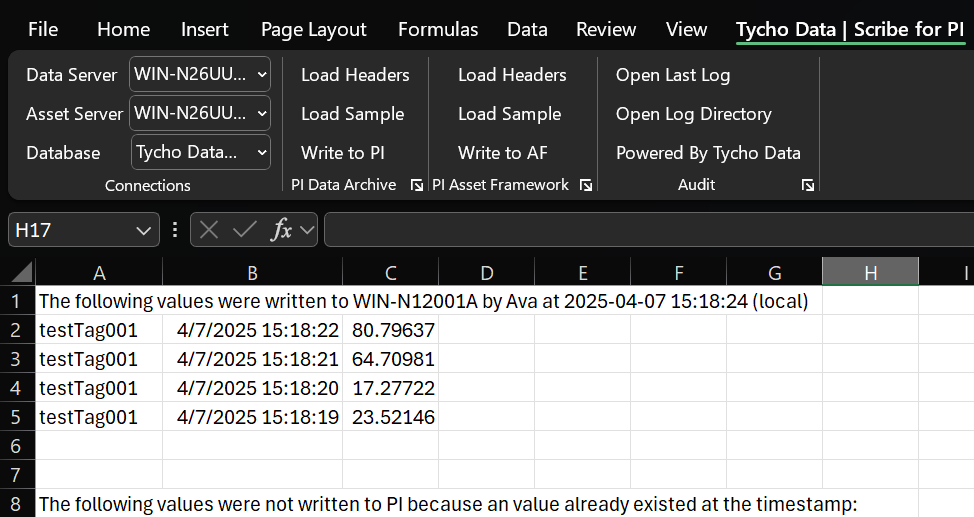
- Audit Trails: Automatically logs who made each entry and when.
- Context-Aware Entries: Integrates with PI Asset Framework (AF) for accurate, hierarchical data organization.
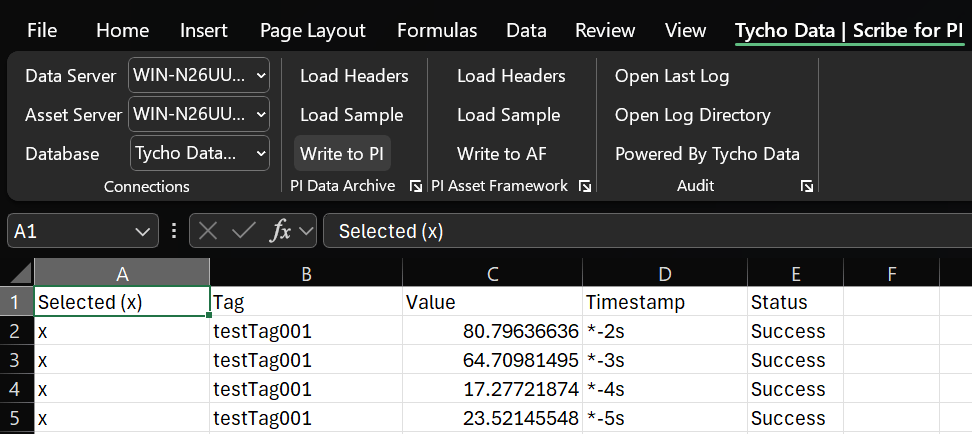
These features help organizations enforce governance while giving users the flexibility of Excel.
Common Mistakes and How to Avoid Them
- Wrong Timestamps: Always double-check date and time entries.
- Missing Metadata: Don’t skip reason codes or comments.
- Overwriting Data: Use tools that prevent accidental overwrites and create backups.
- Inconsistent Units: Stick to the agreed-upon units and formats.
- Informal Workarounds: Avoid pasting untracked data from unofficial spreadsheets.
Future-Proofing Manual Data Entry
As technology advances, organizations should look to improve manual data processes:
- Implement mobile apps or tablets for field data entry.
- Integrate with digital work order and workflow systems.
- Use data quality monitoring tools to flag outliers and anomalies.
- Regularly update governance policies as new tools and processes emerge.
Conclusion
Manual data entry will always have a place in industrial operations, but it doesn’t have to be a liability. With clear governance, reliable tools, and good practices, manually entered data can be just as trustworthy as automated readings.
If you’re interested in learning how our Tycho Data Scribe can help standardize and secure your manual data entry process directly in Excel, we’d love to show you a demo. Reach out today!
 Tycho Data