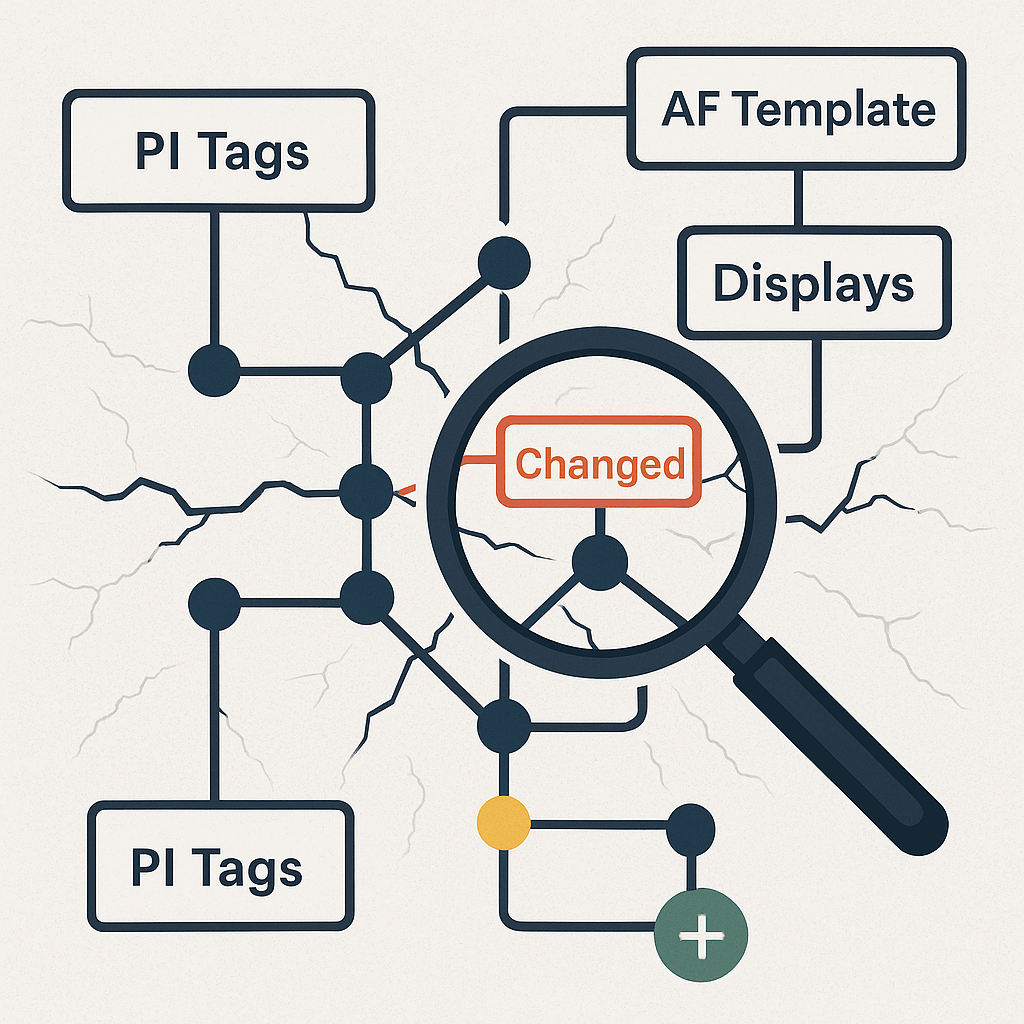
If you’re using Asset Framework (AF), you’ve probably worked with the AF Audit Trail feature, a useful built-in tool that records changes made to AF objects like elements, attributes, templates, and analyses. It’s great for keeping track of who changed what, when within your AF Server.
But as PI Systems grow more interconnected with PI Vision displays, AF Attributes pointing to tags, and assets spanning multiple servers, there are new kinds of versioning and traceability questions that AF Audit Trail alone wasn’t designed to answer.
That’s where Tycho Data Osprey comes in.
🔍 How They’re Different (and Why You Might Need Both)
Let’s break it down:
| Feature | AF Audit Trail | Tycho Data Osprey |
|---|---|---|
| Tracks changes to AF objects (elements, attributes, templates) | ✅ | ✅ (via scans) |
| Shows who made each change | ✅ | ❌ (focuses on what changed, not who) |
| Tracks changes in PI Vision displays | ❌ | ✅ |
| Tracks changes in PI Tags (description, point source, location codes, etc.) | ❌ | ✅ |
| Compares versions between points-in-time | ❌ (only records AF object edits) | ✅ (compares complete system snapshots) |
| Identifies added, removed, or updated tags/attributes/displays | ❌ | ✅ |
| Helps investigate unplanned changes outside AF (e.g., display edits, tag changes) | ❌ | ✅ |
| Complements existing PI System audit features | ✅ | ✅ |
✅ What Makes Osprey Different
Where AF Audit Trail focuses on who made a change and when within AF, Osprey focuses on what actually changed across your connected PI environment including:
- PI Tags: detecting renamed, deleted, or modified tags
- AF Servers and Attributes: identifying new, removed, or changed assets and attributes
- PI Vision Displays: tracking changes to display setups, data sources, and linked tags
Osprey works by scanning your PI System at scheduled intervals and comparing snapshots over time, highlighting version differences across AF, PI Data Archive, and PI Vision in one place. It’s like having a cross-system audit trail that works at the system dependency level.
🔄 Why Use Both Together
We see Osprey and AF Audit Trail as complementary tools:
- AF Audit Trail is excellent for internal change accountability: who edited this template? when was this attribute added?
- Osprey is built for broader operational visibility: what changed in my system dependencies? what displays, tags, and assets were affected?
When you use both:
- You can track both who made intentional changes and what might have changed unexpectedly
- You can audit changes outside AF (like tag or display edits) that AF Audit Trail can’t see
- You get version comparisons and dependency impact reports that make migrations, cleanups, and troubleshooting far easier
💡 The Bottom Line
If your plant relies on PI Vision displays, complex AF hierarchies, and distributed PI servers, understanding both who made a change and what changed across the system is essential for data integrity and operational trust.
Tycho Data Osprey extends the reach of AF Audit Trail by providing a system-wide, versioned snapshot comparison of your entire PI environment, helping you spot risks, catch undocumented changes, and confidently manage your infrastructure.
Curious how it works in practice?
Ready to See It in Action?
If your team depends on PI System data to keep your plant running safely and efficiently. Osprey is built for you.
 Tycho Data